

Office Telephony systems, which involve connecting branches for easier communication.
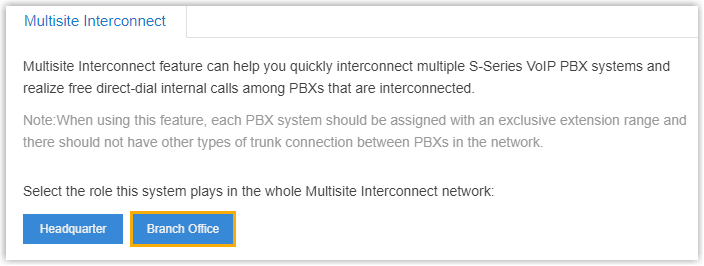
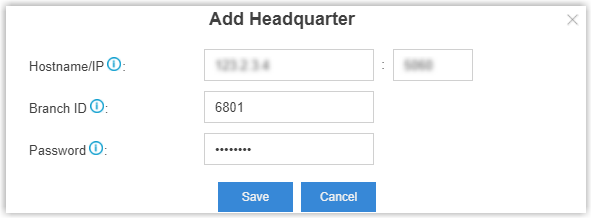
Set the role of the BranchB PBX as Branch Office, and connect to the headquarter PBX. After the connection is set up, users can make internal calls between the branch office B and the headquarter.


| VoIP Settings | |
|---|---|
| Qualify | Check this option to send SIP OPTIONS packets to the branch PBXs to detect if the device is alive or not. |
| NAT |
This setting should be used when the system is using a public IP address, communicating with devices hidden behind a NAT device (such as a broadband router). Tip: If the extension has one-way audio problem, check the NAT settings on the PBX and firewall settings on your router.
|
| Enable SRTP | Enable SRTP for voice encryption. |
| DTMF Mode |
Set the default mode for sending DTMF tones.
|
| Other Settings | |
| Get Caller ID From | Decide from which header field will the headquarter PBX retrieve Caller ID header.
Note: If you set the setting to Follow System, the trunk will follow the PBX’s global Get Caller ID From setting ().
|
| Get DID From | Decide from which header field will the headquarter PBX retrieve DID header.
Note:
|
If the interconnection status shows  , the branchB PBX is connected to the headquarter PBX.
As Branch A and Branch B are both connected to the headquarter PBX, the users in Branch A, Branch B, and Headquarter can make internal calls between each other.